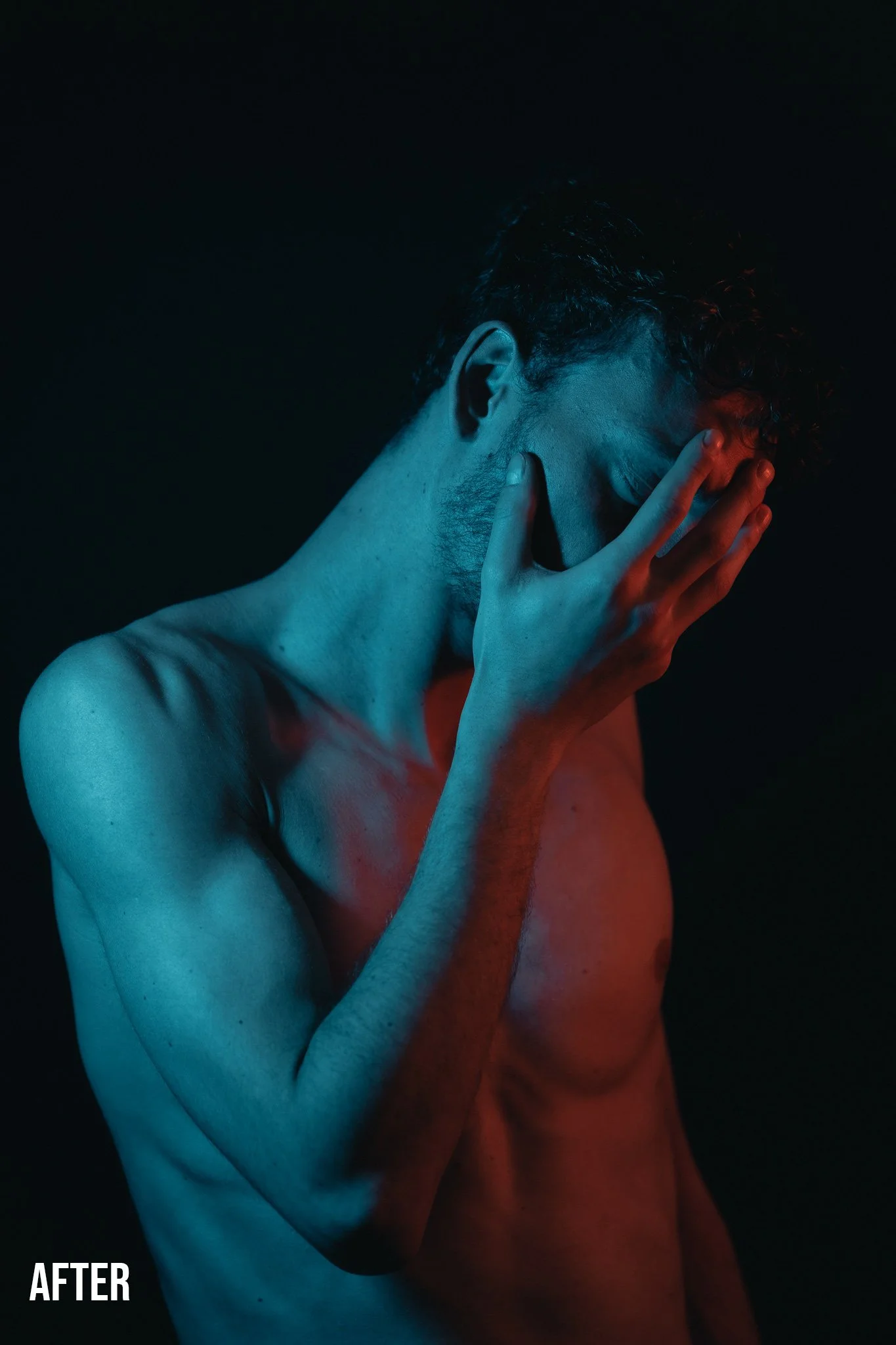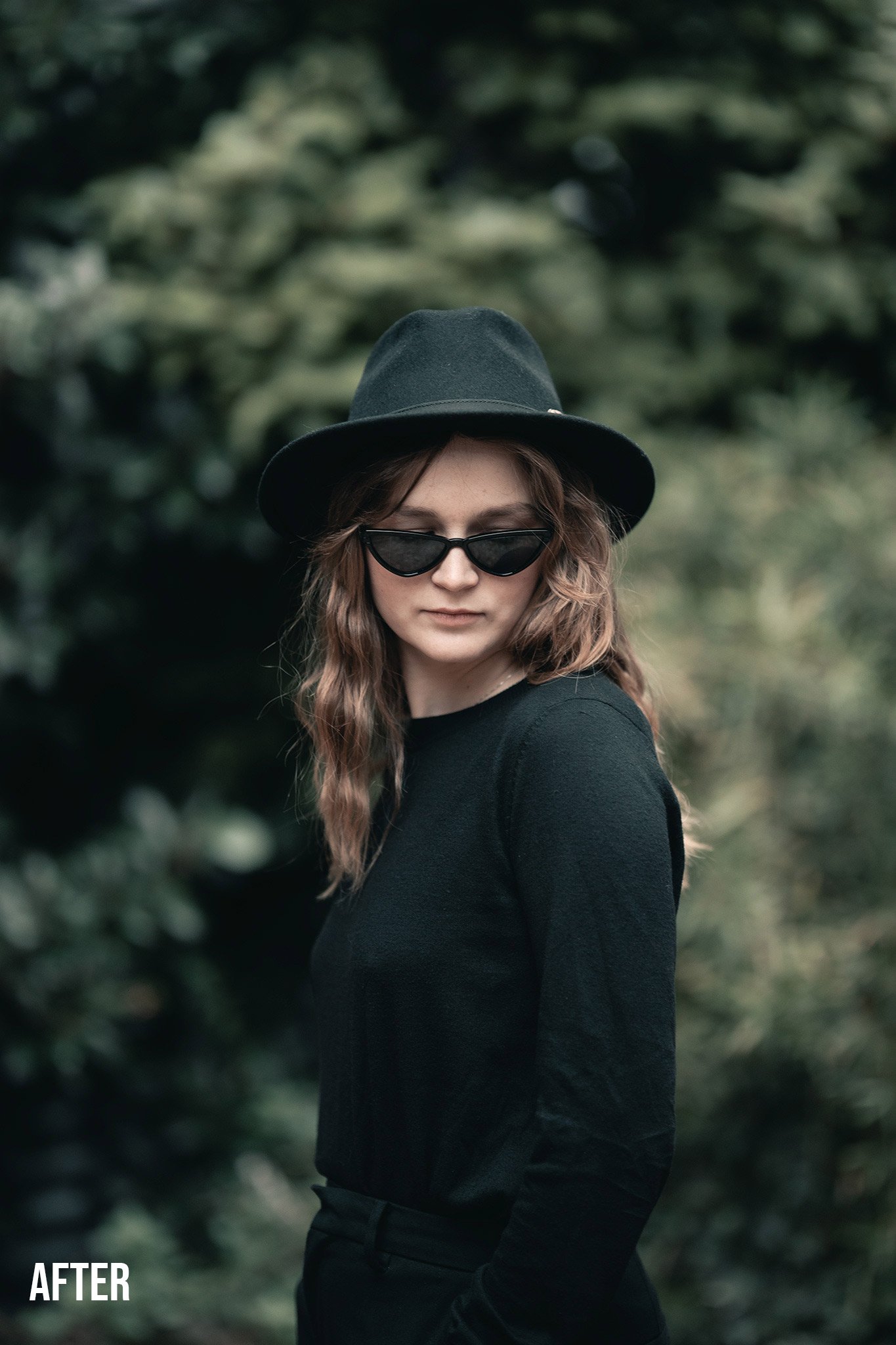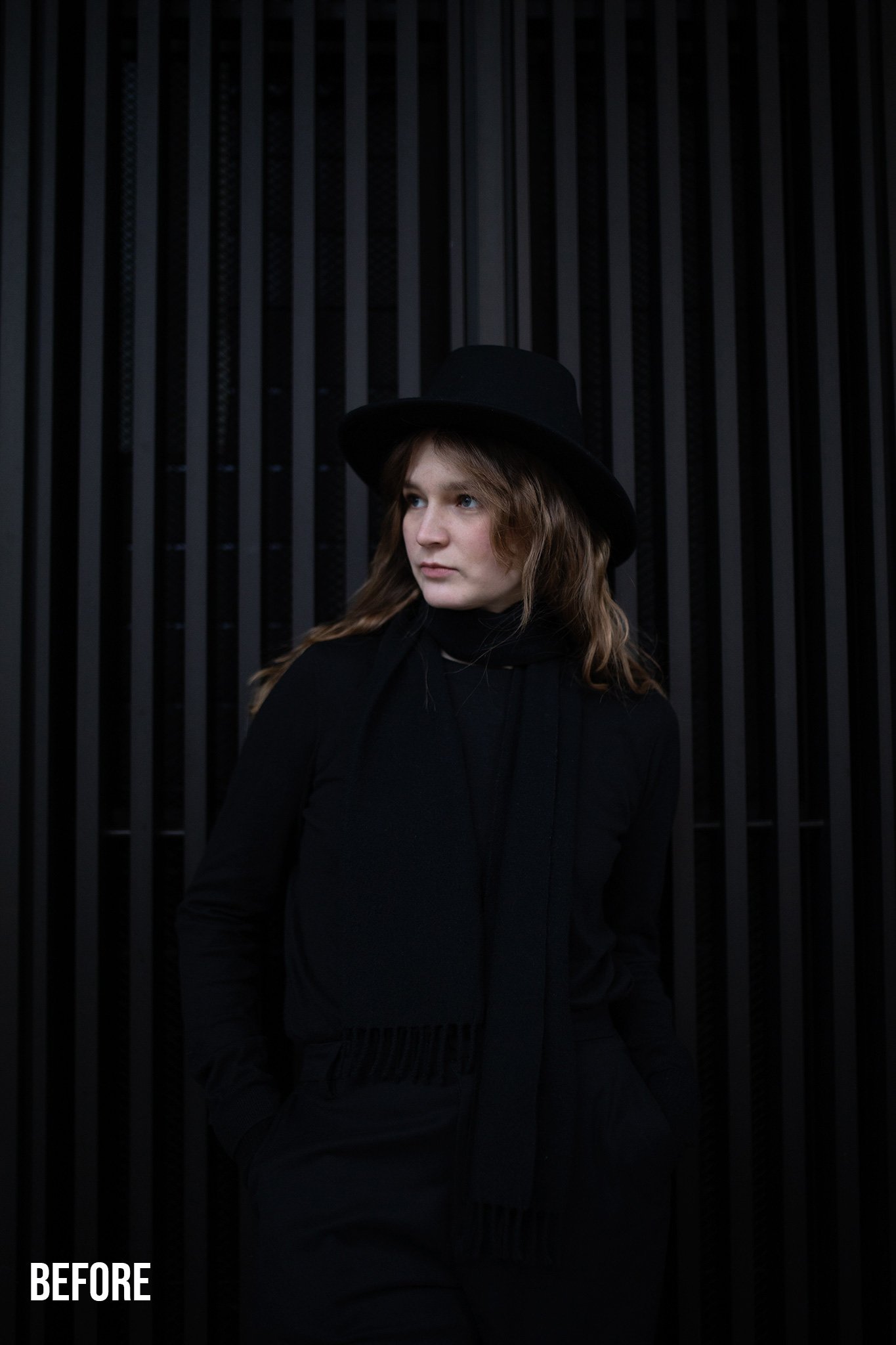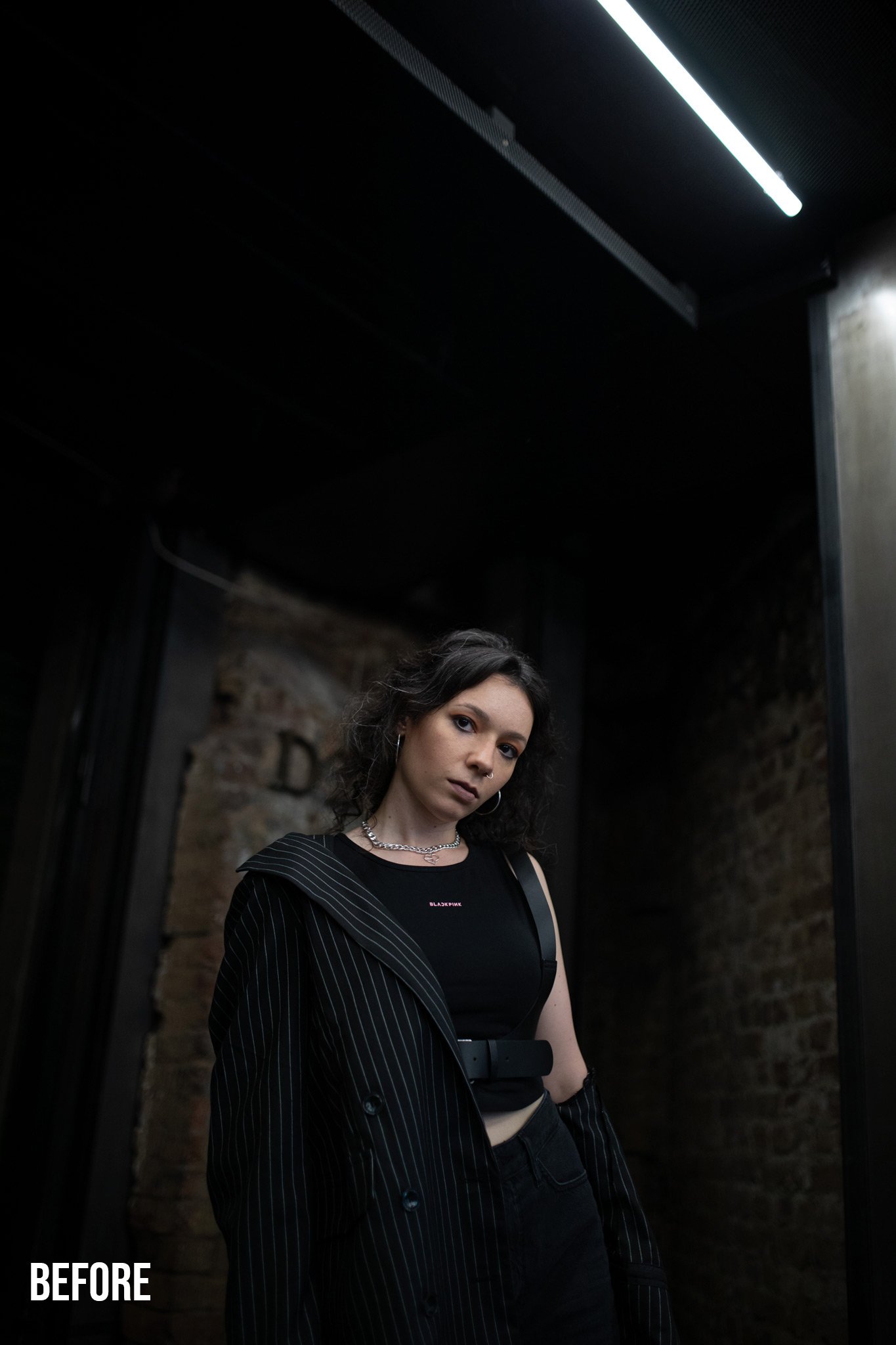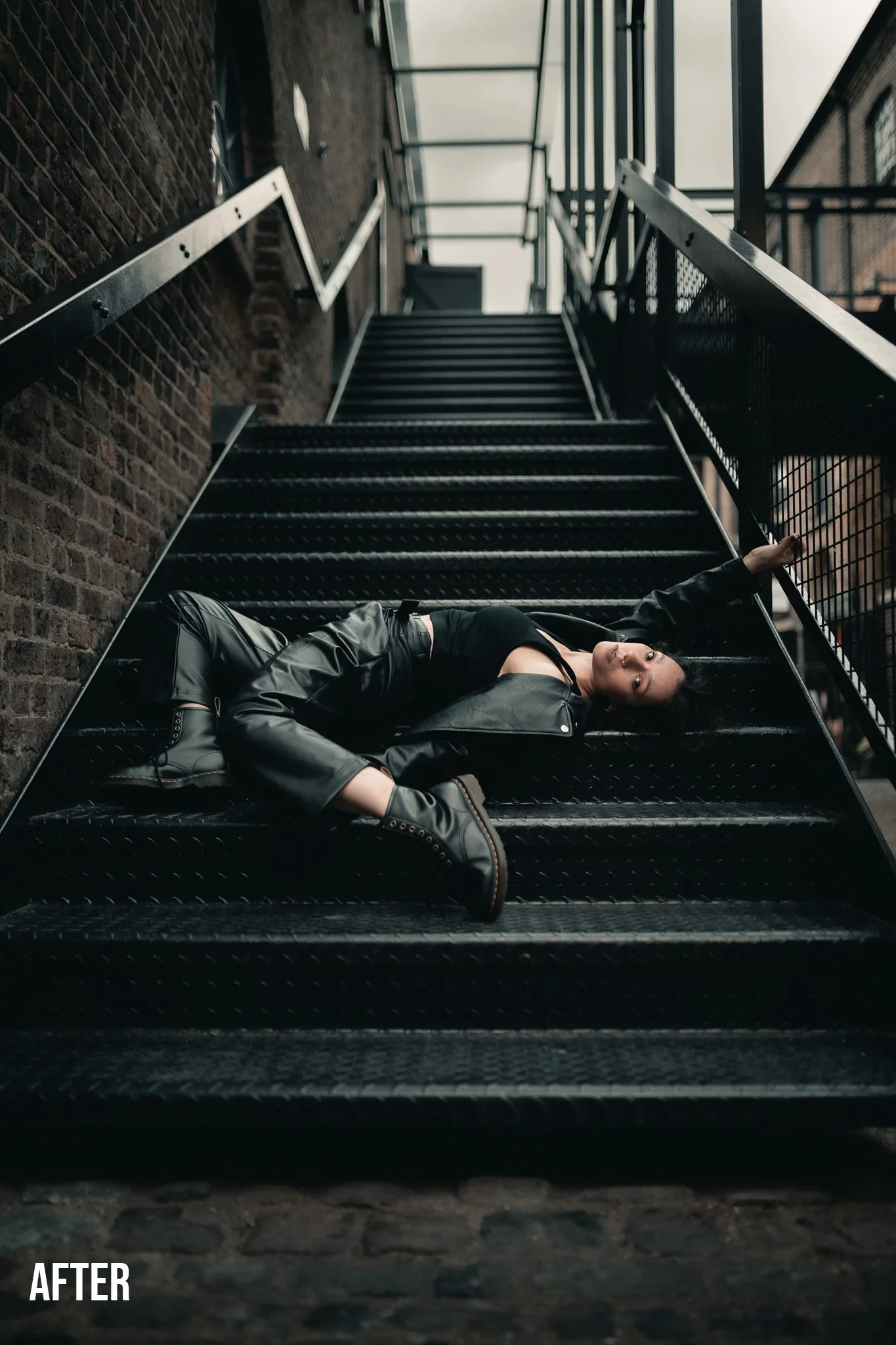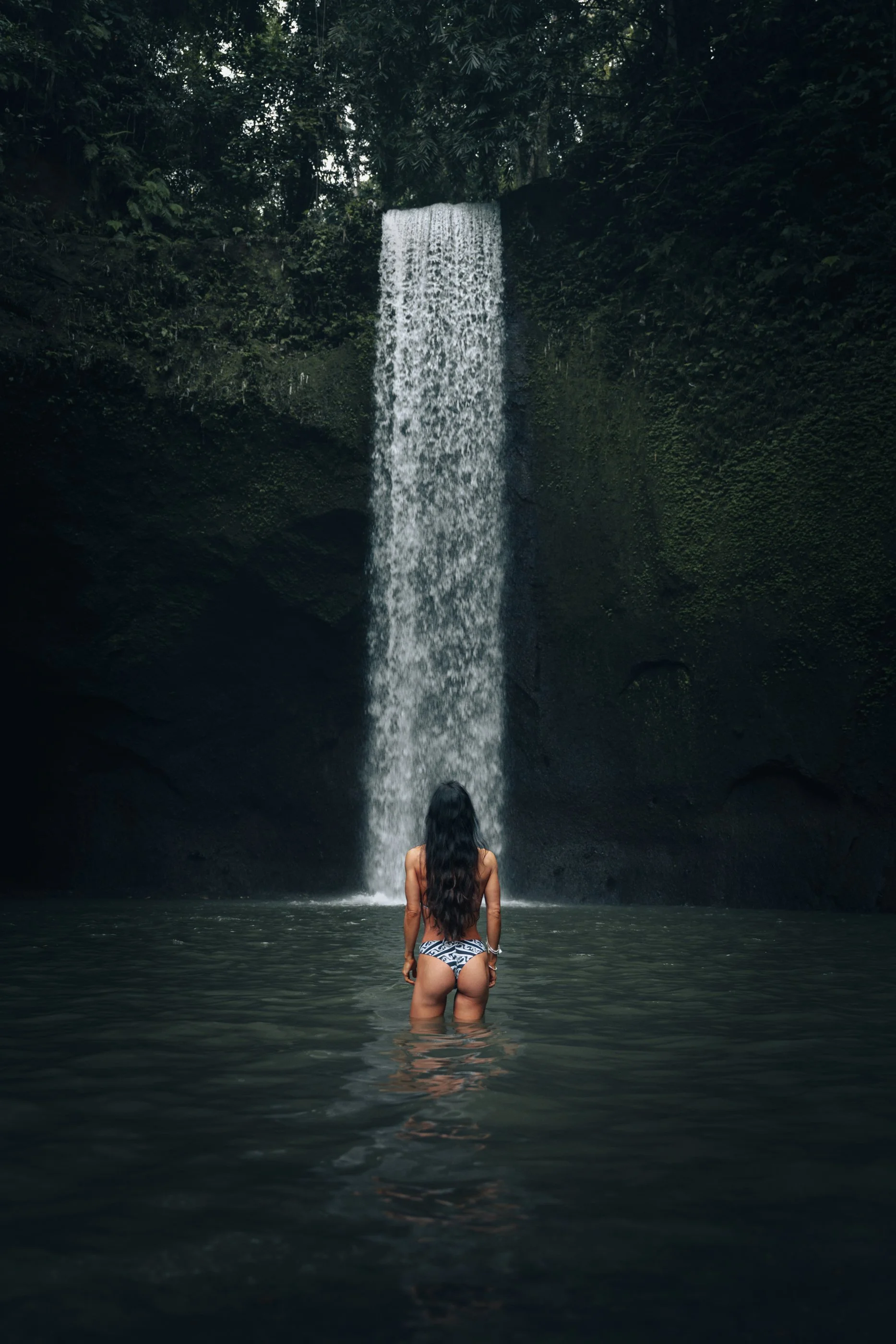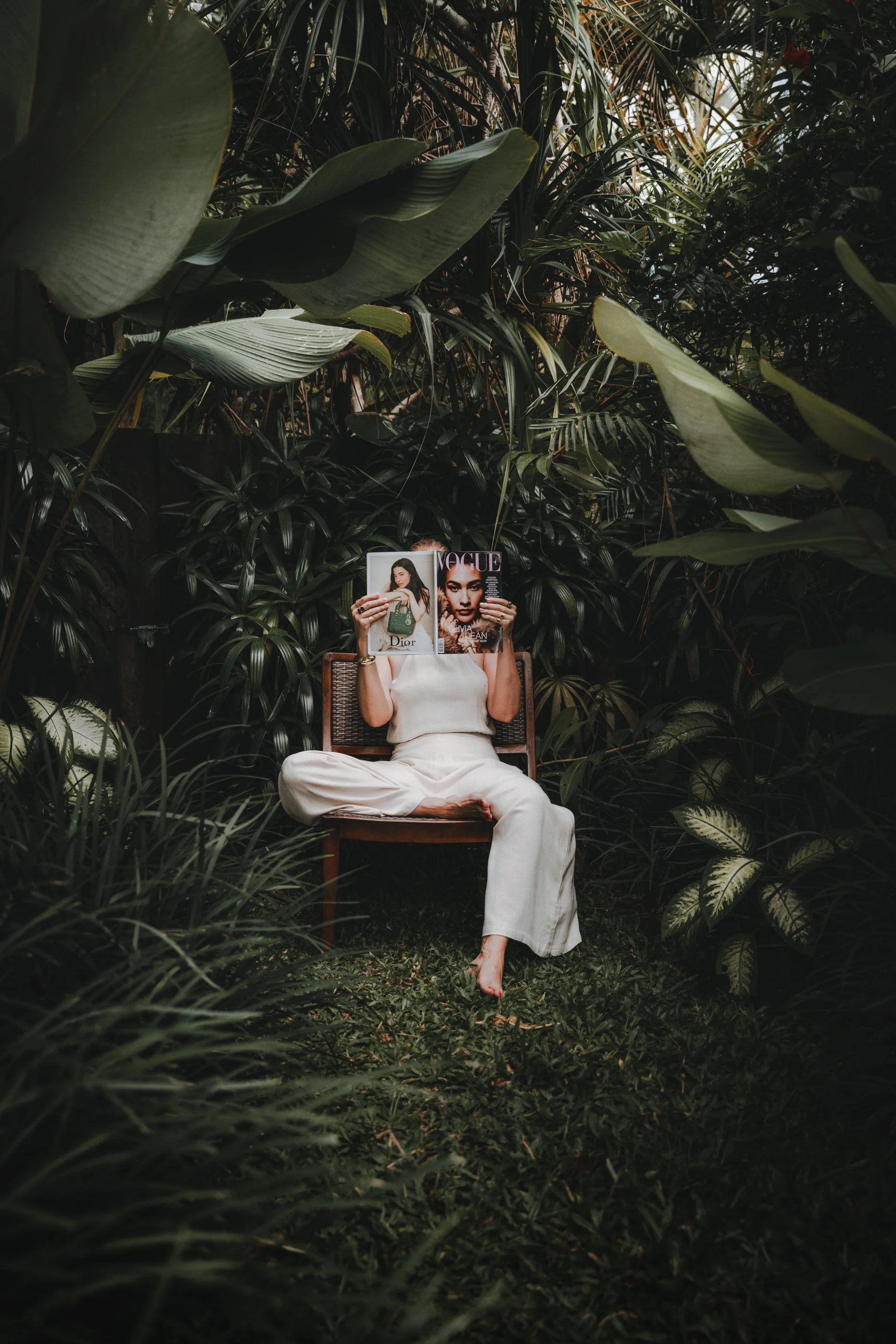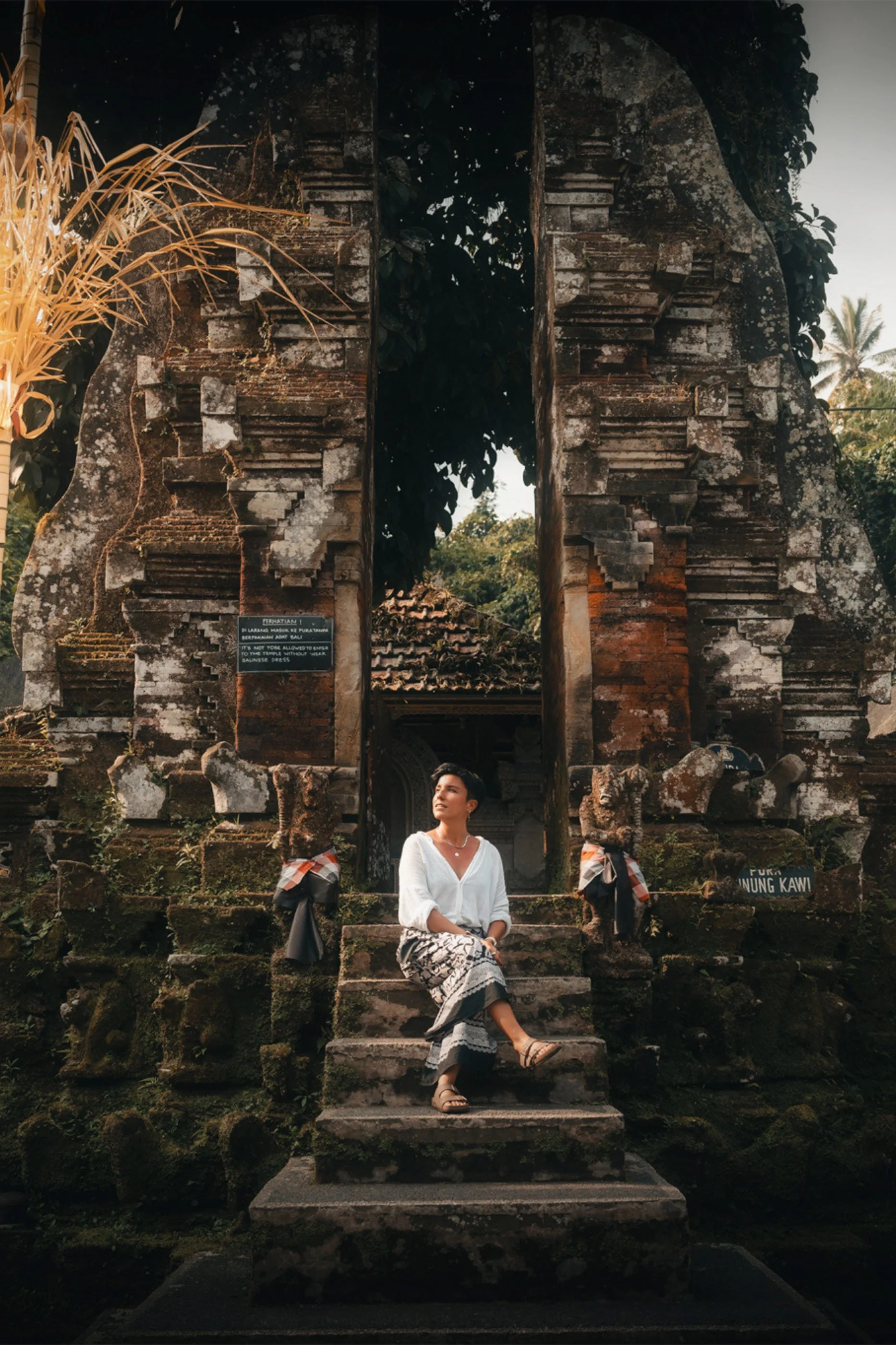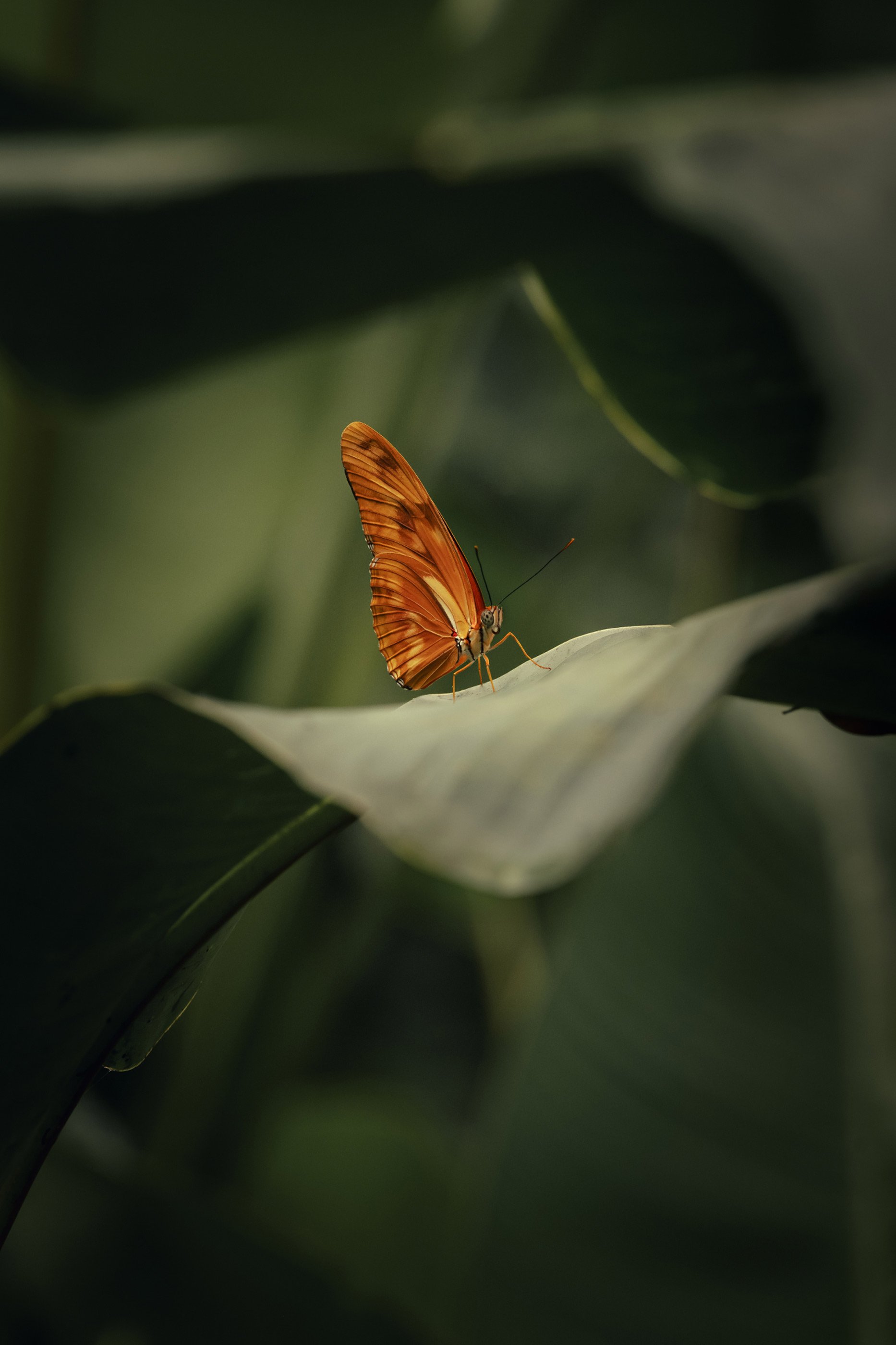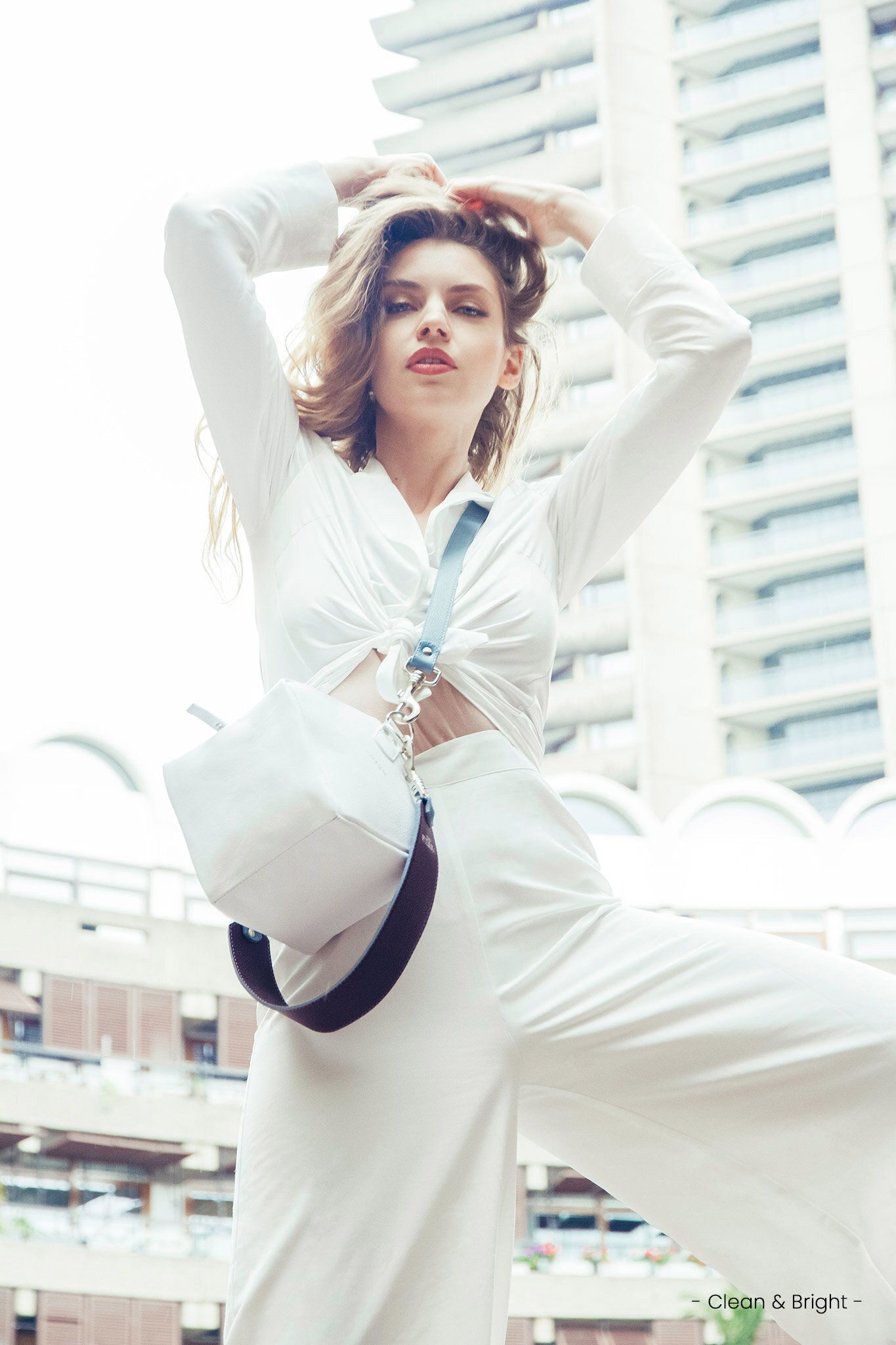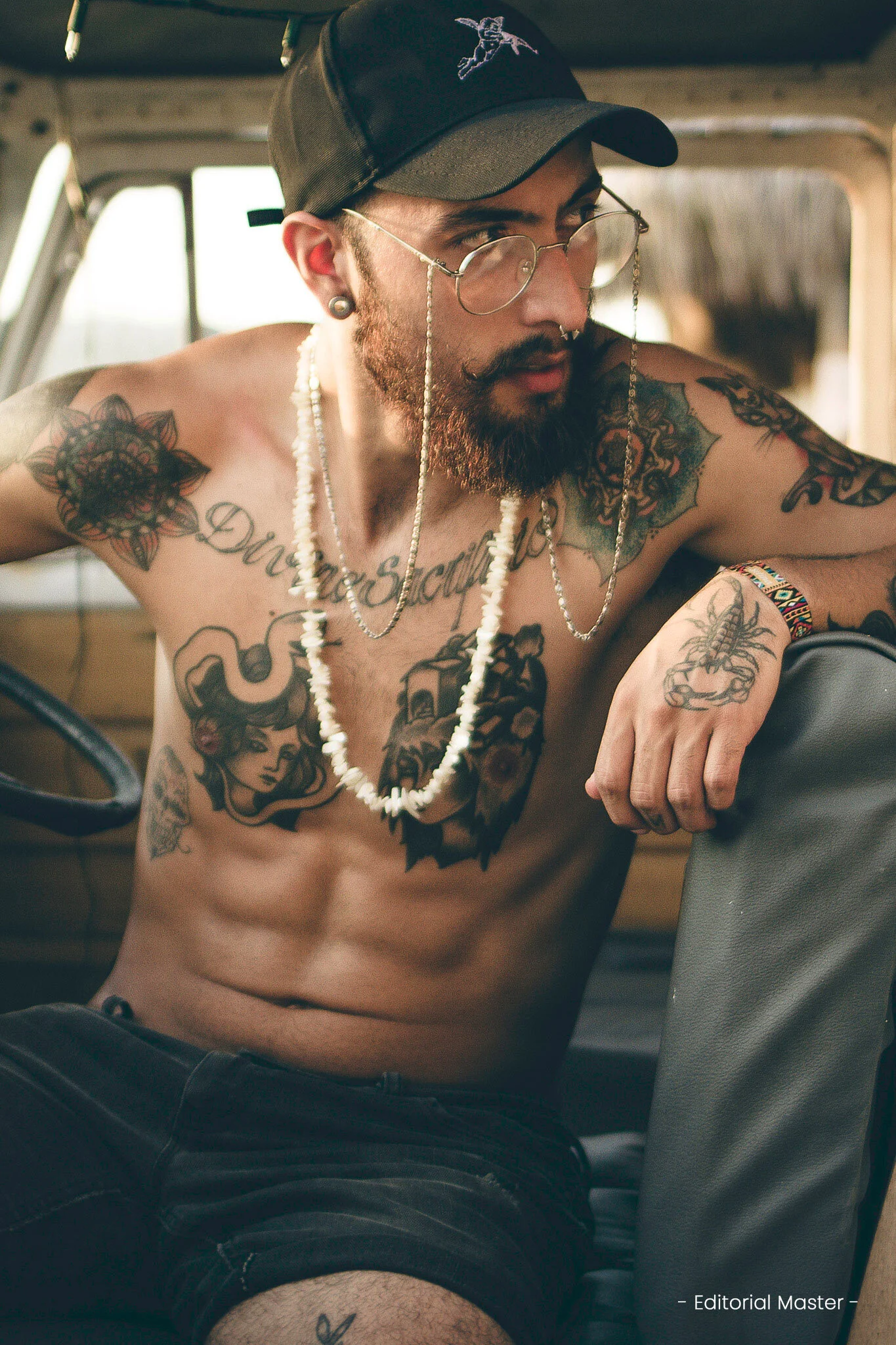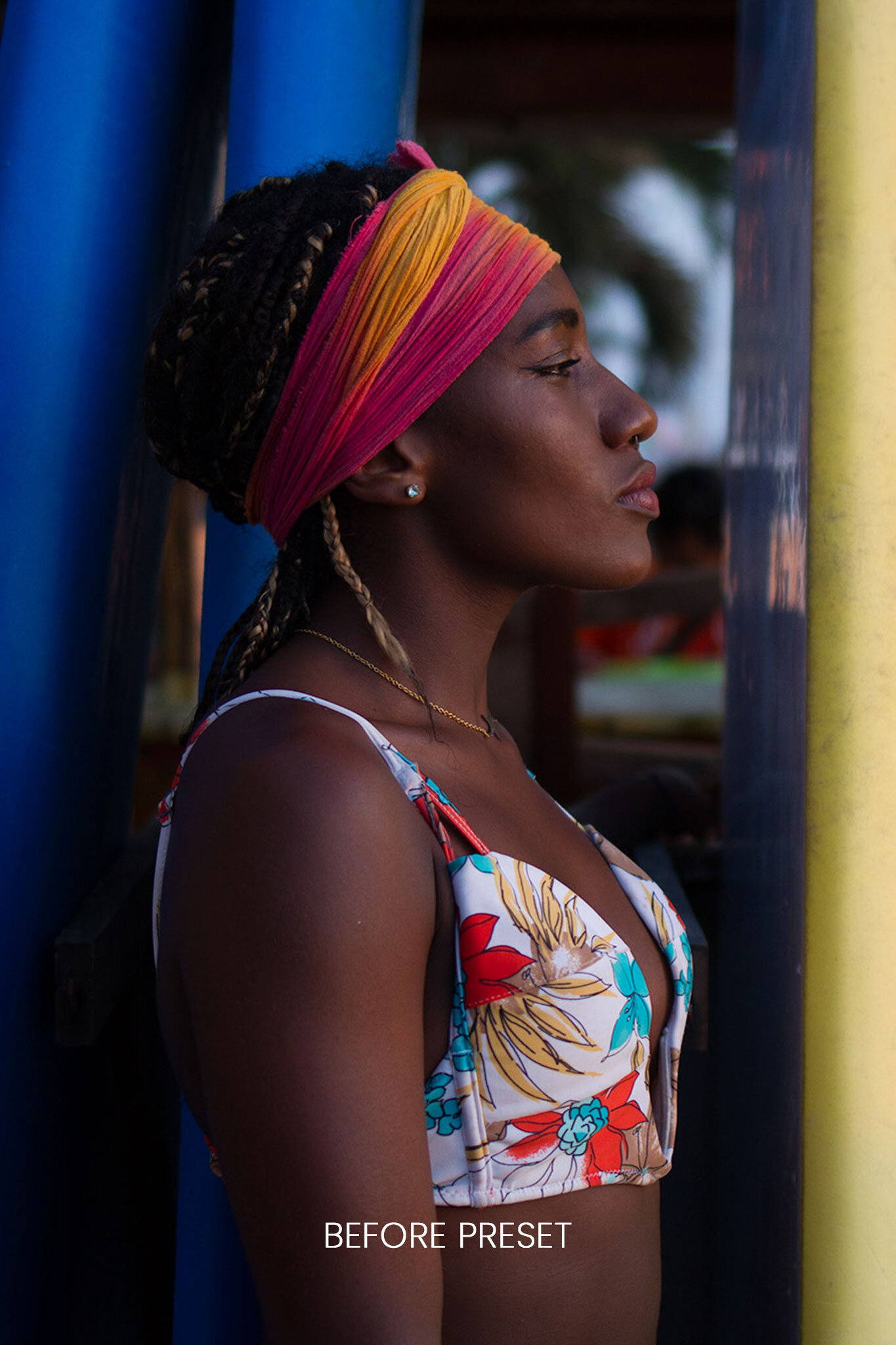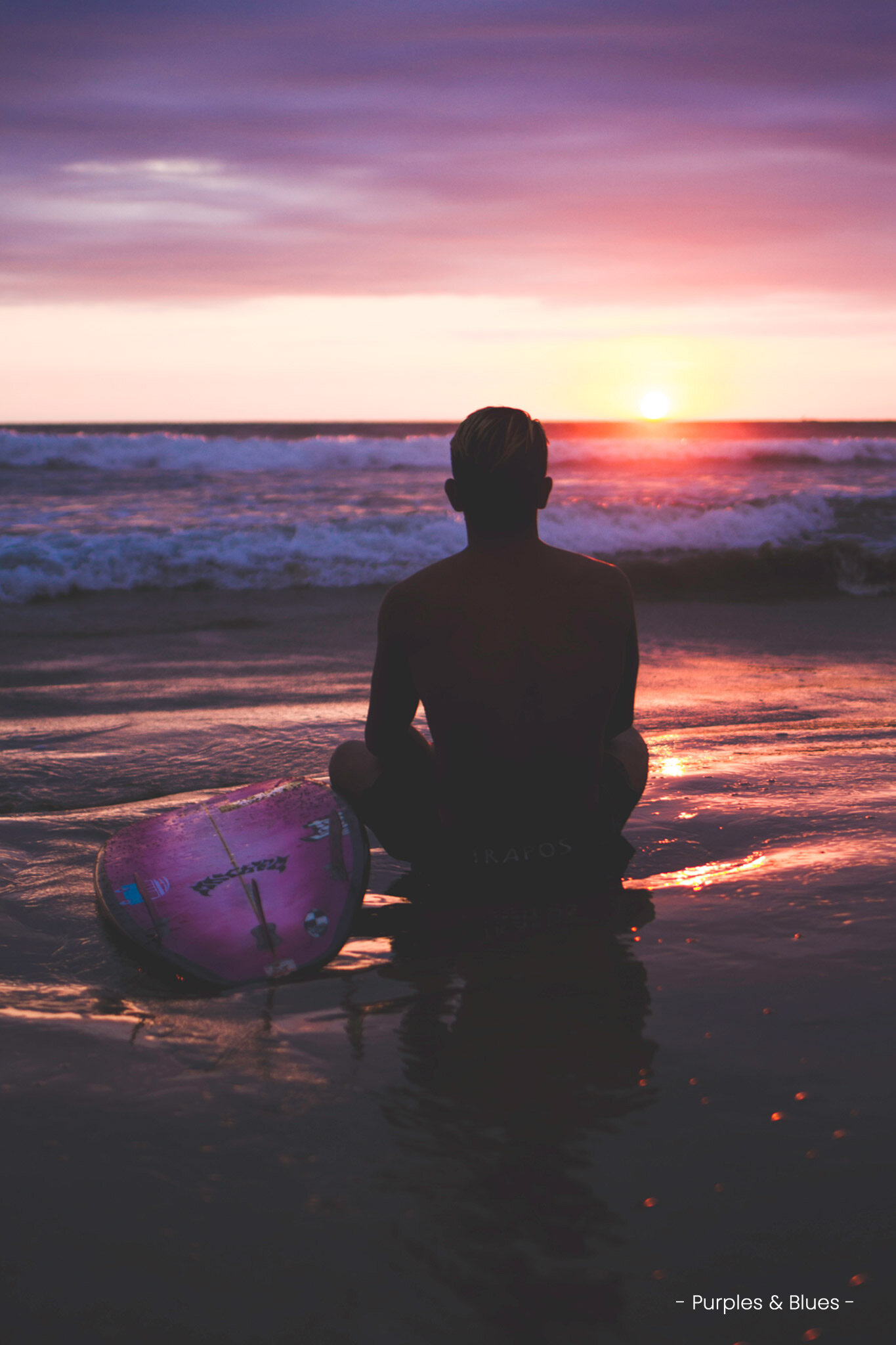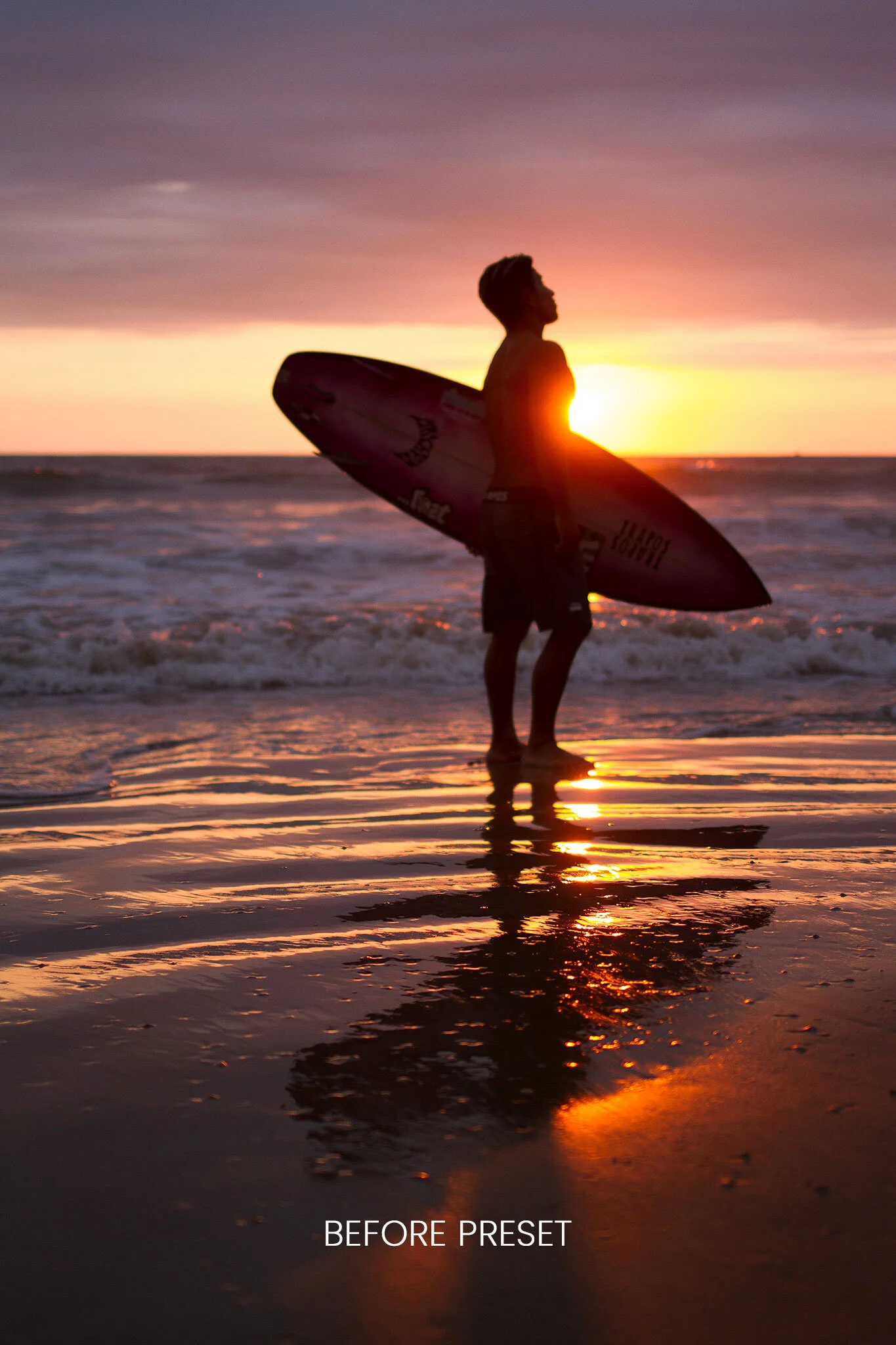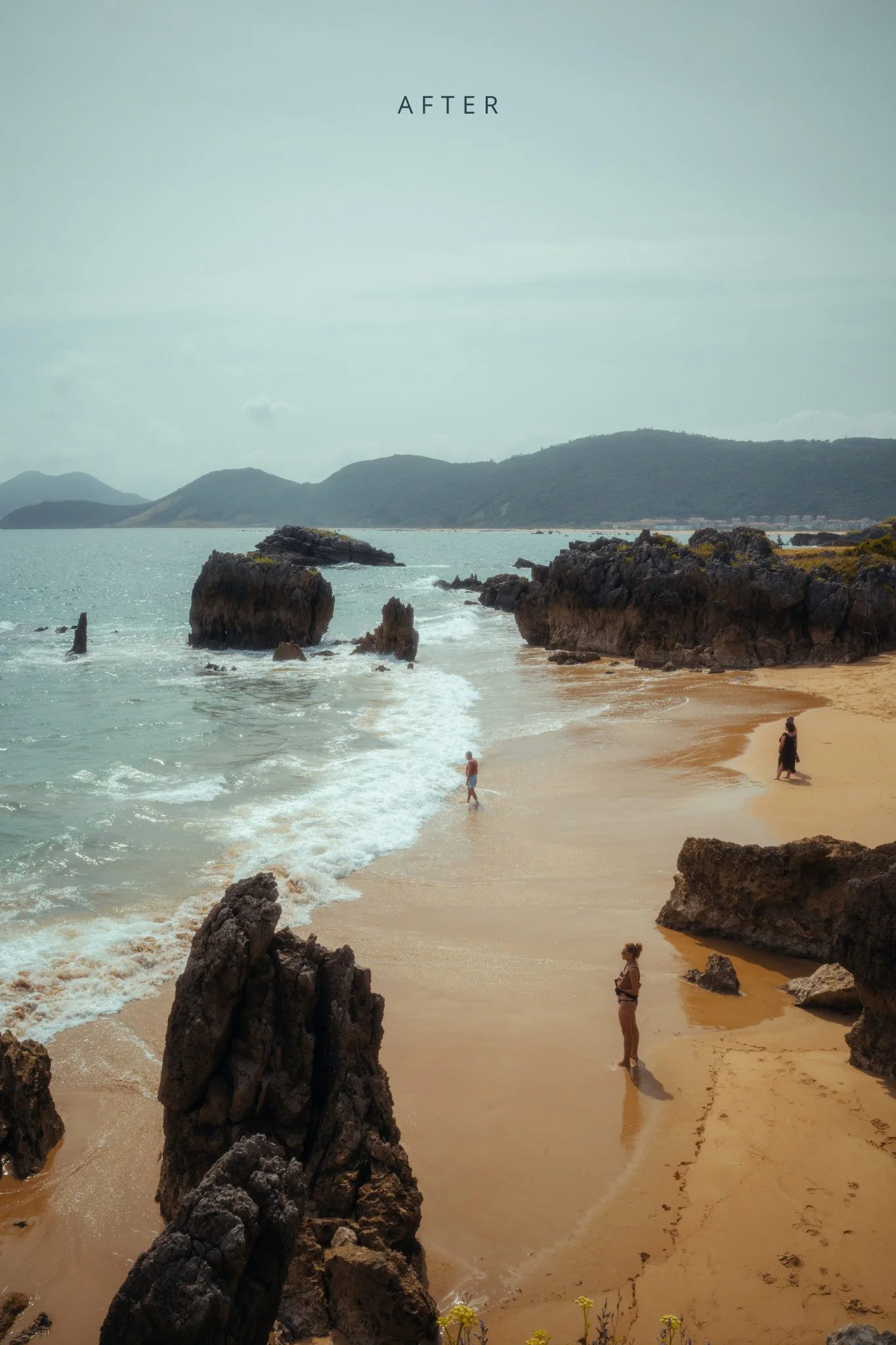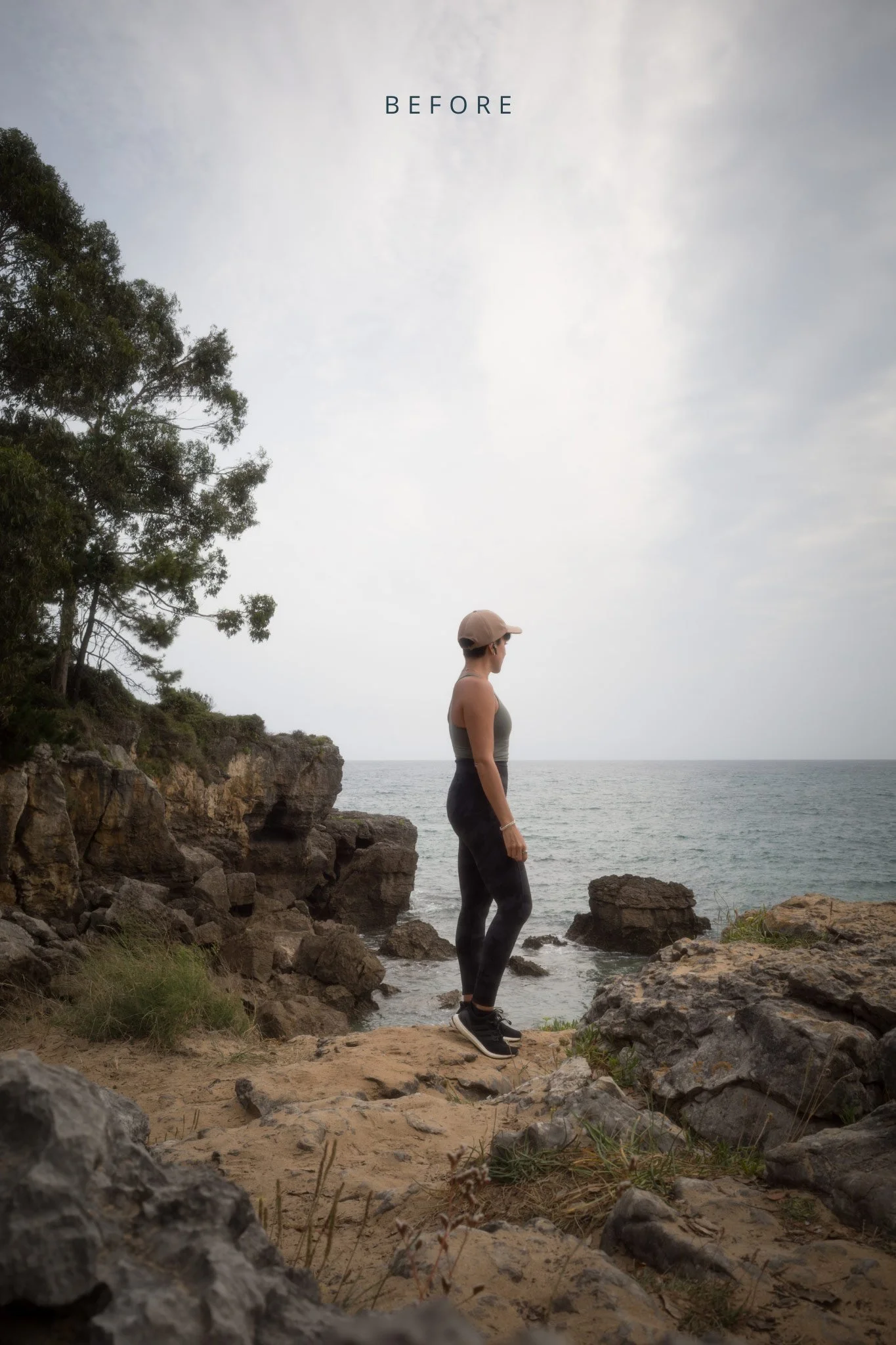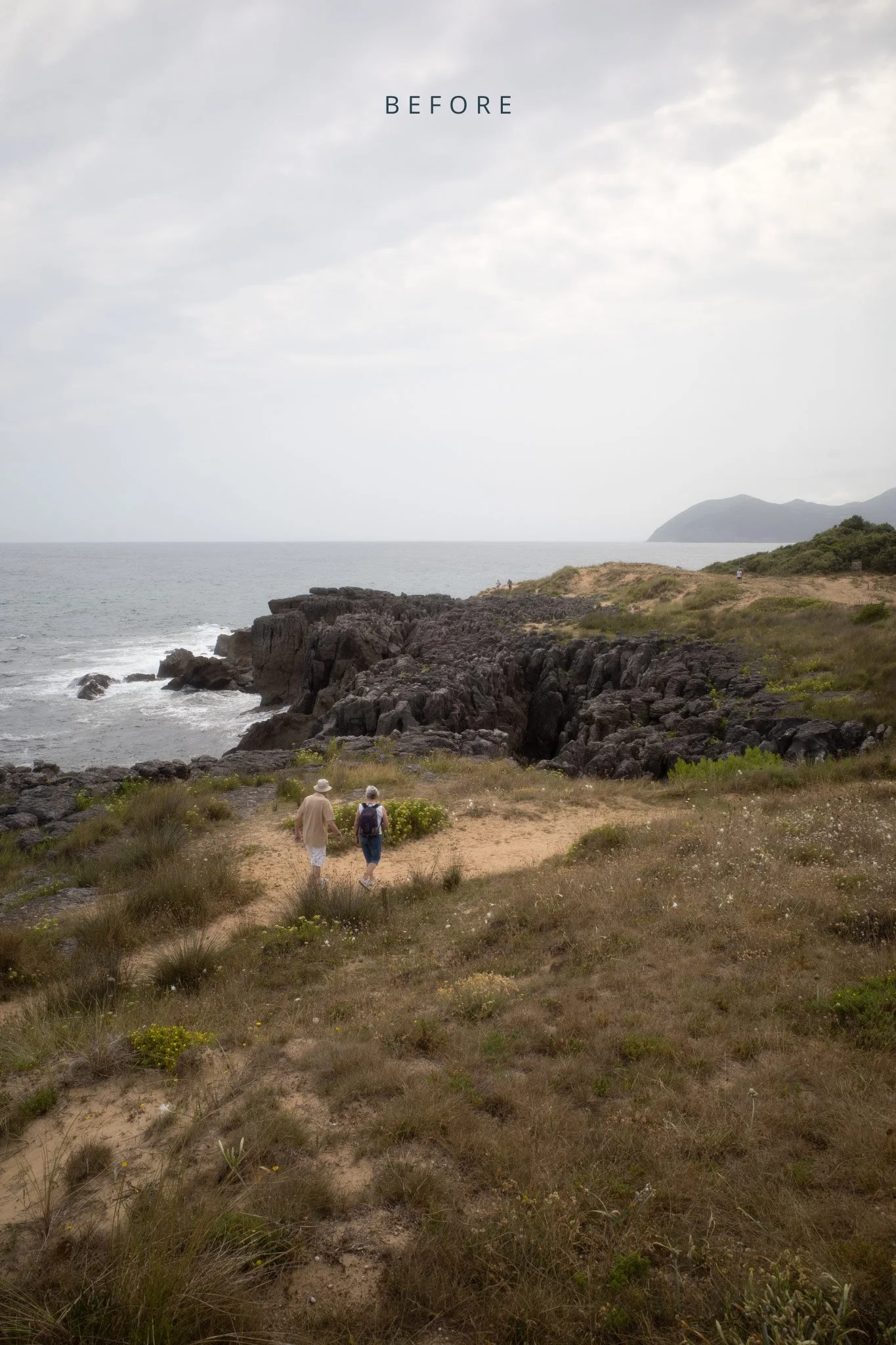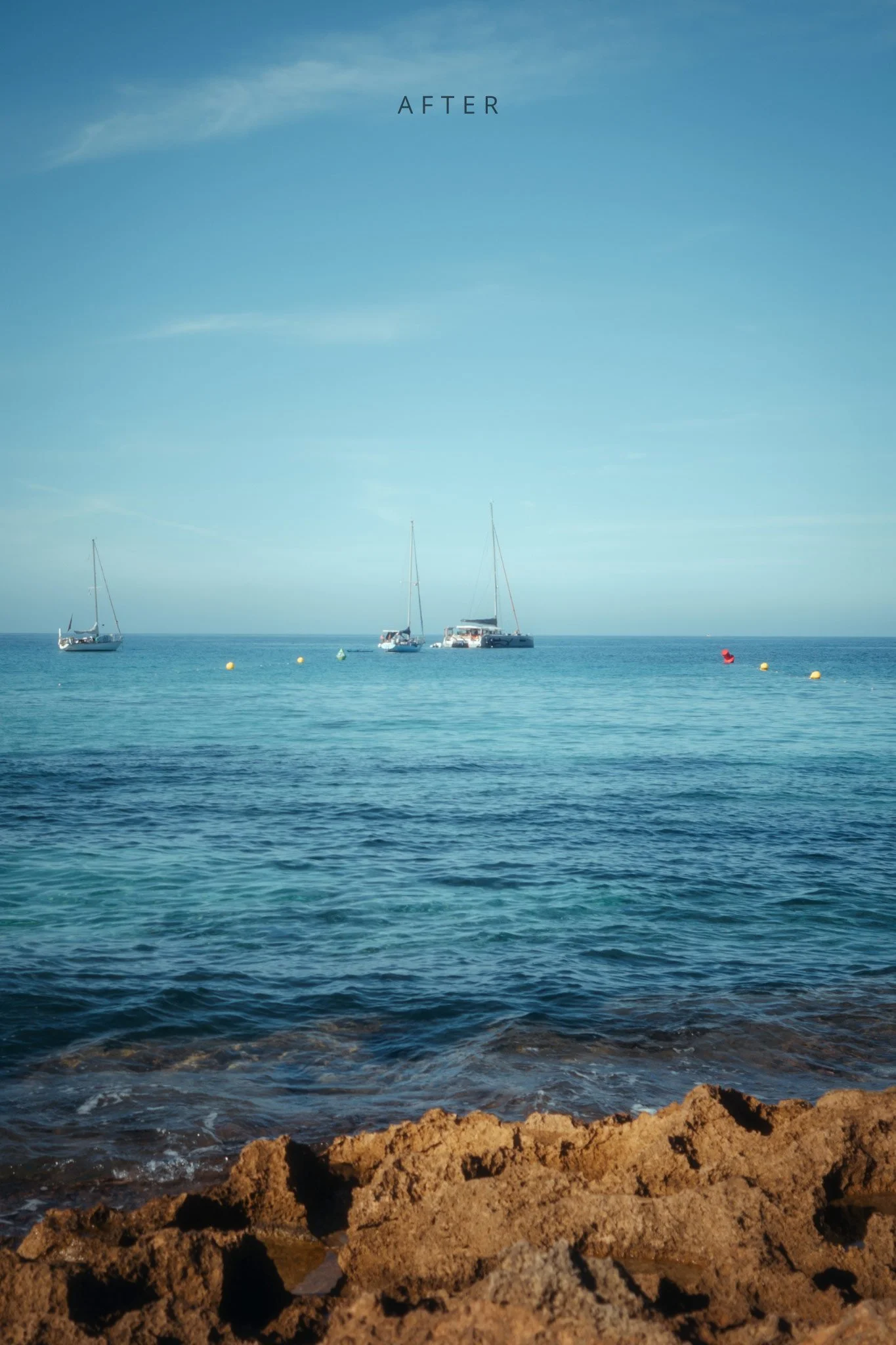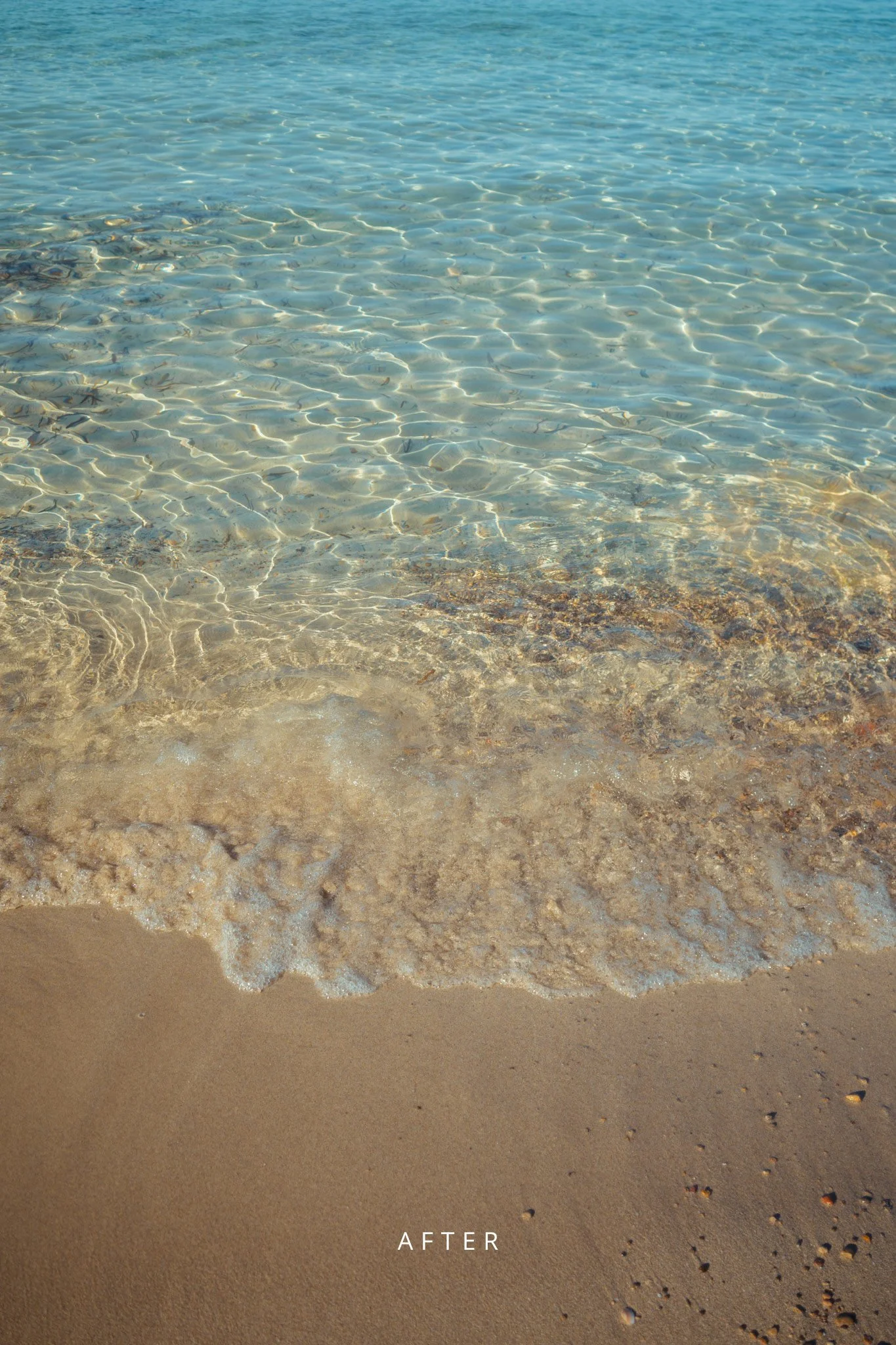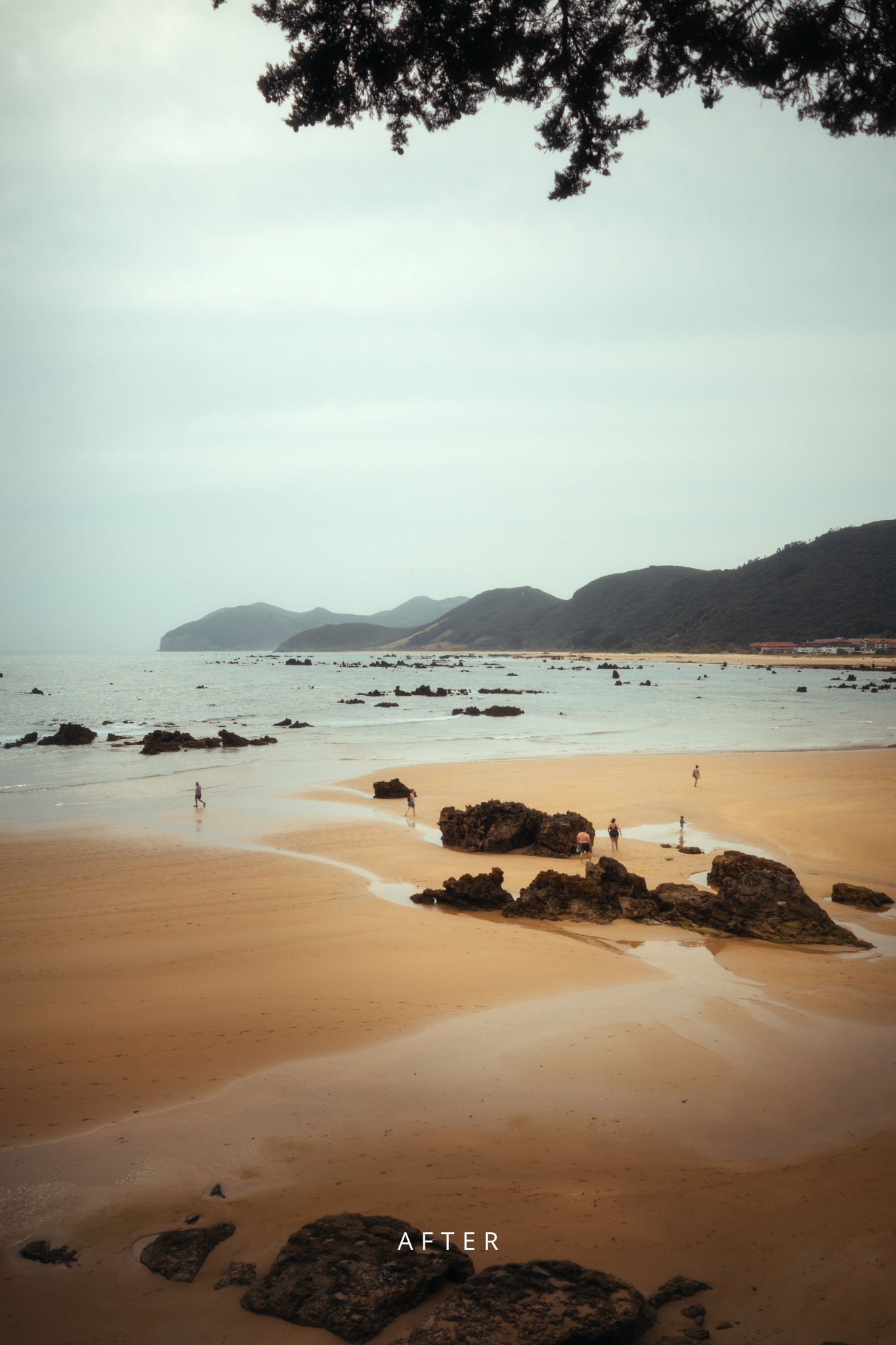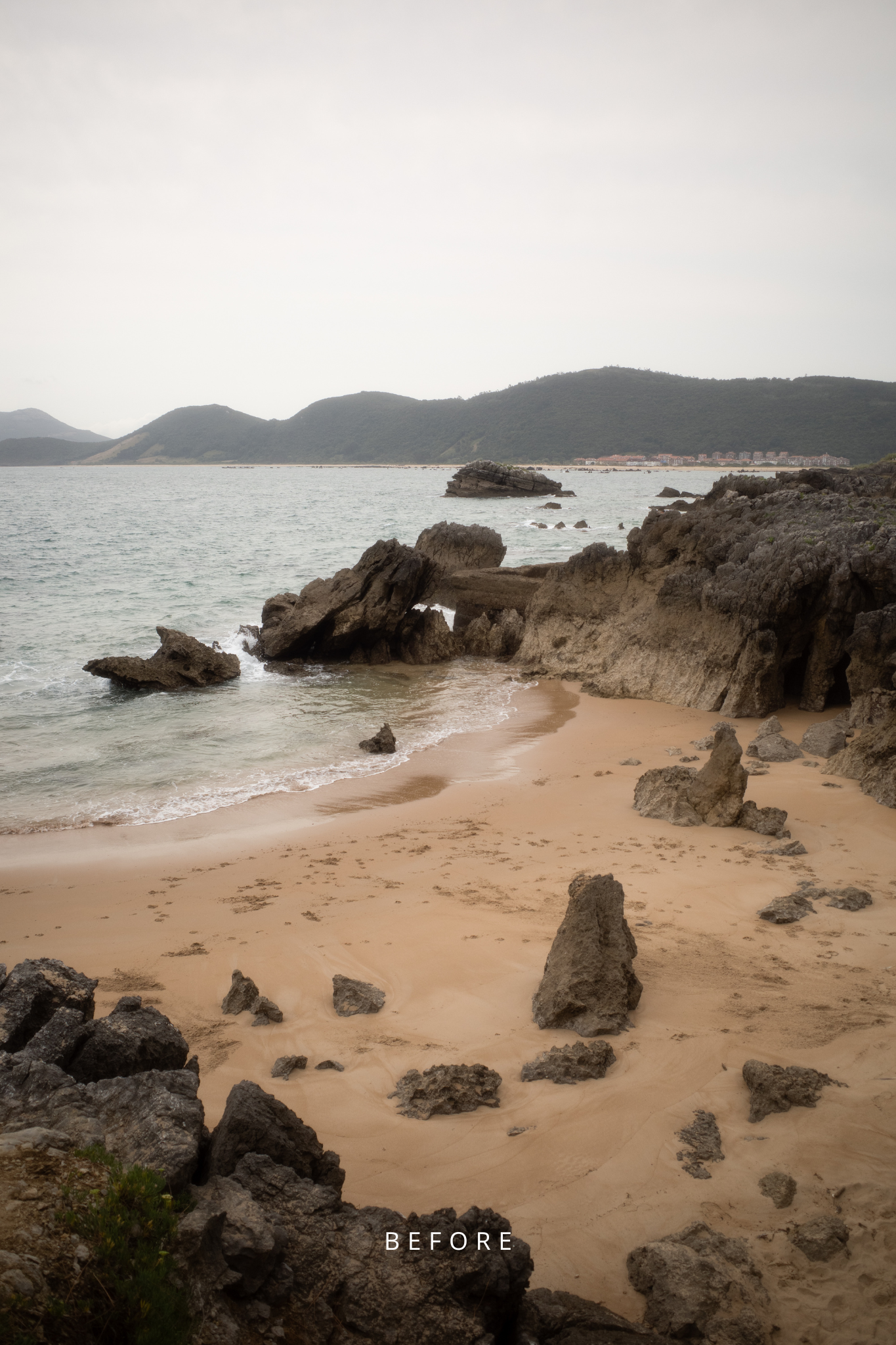
 Image 1 of 3
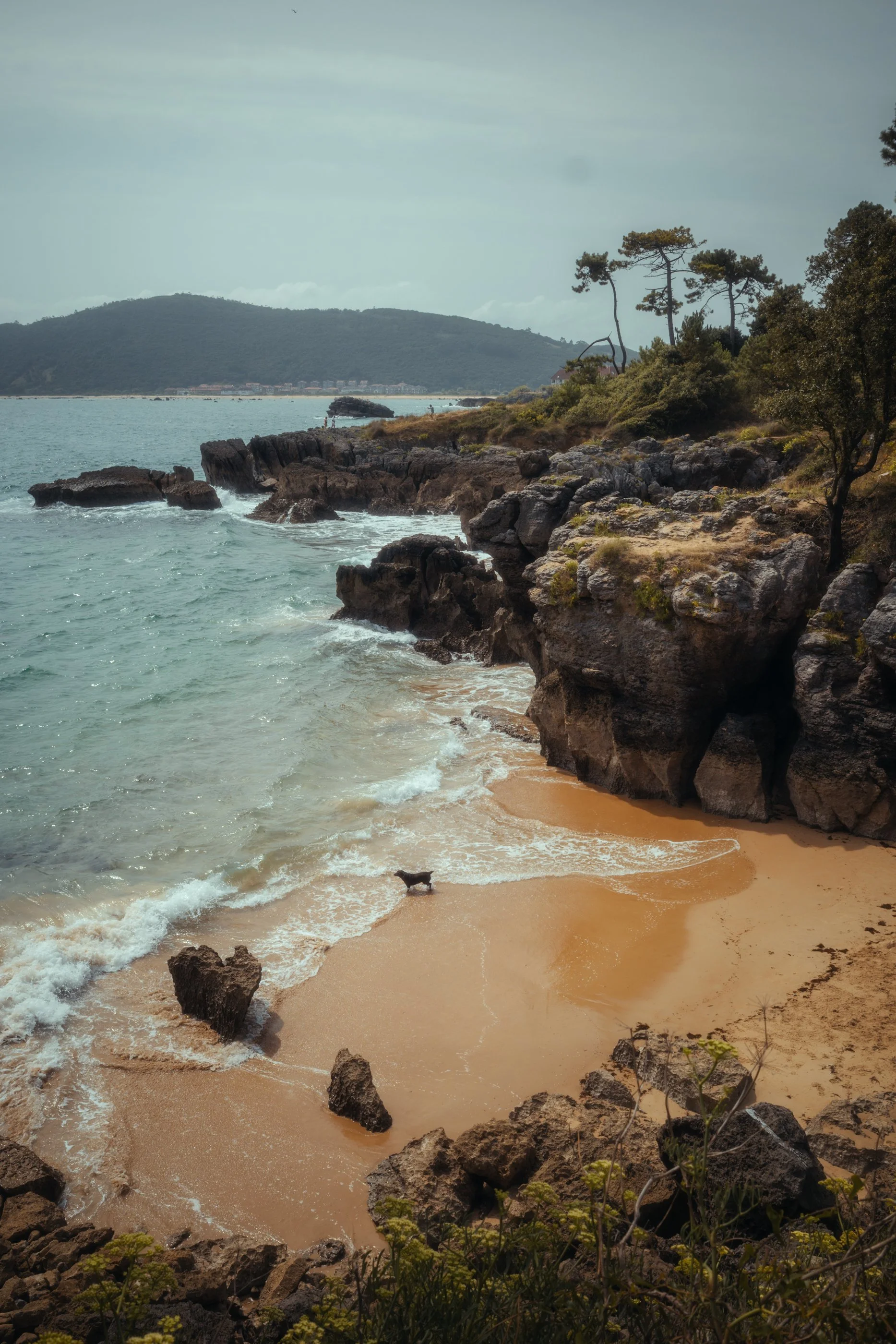
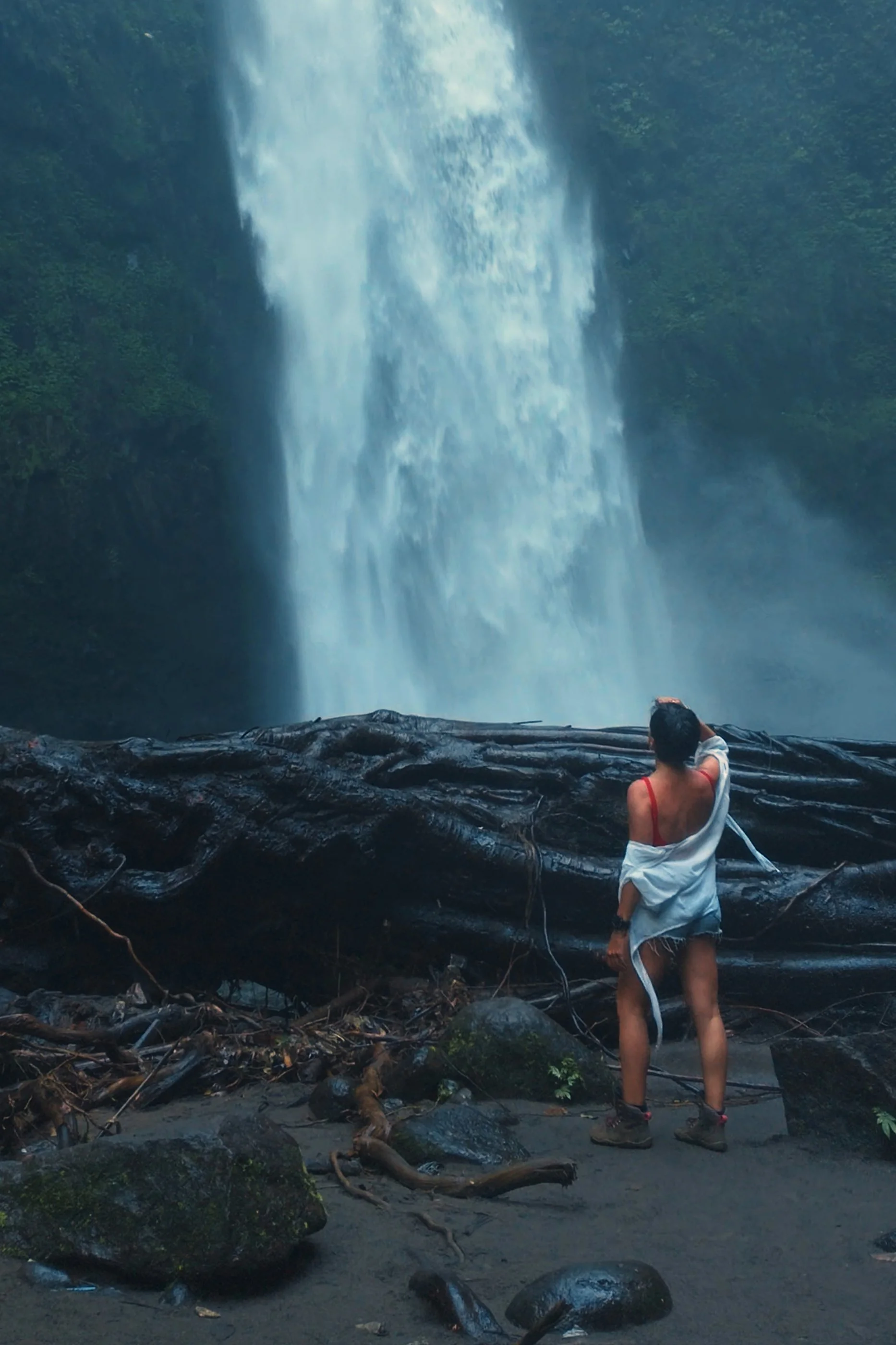 Image 2 of 3
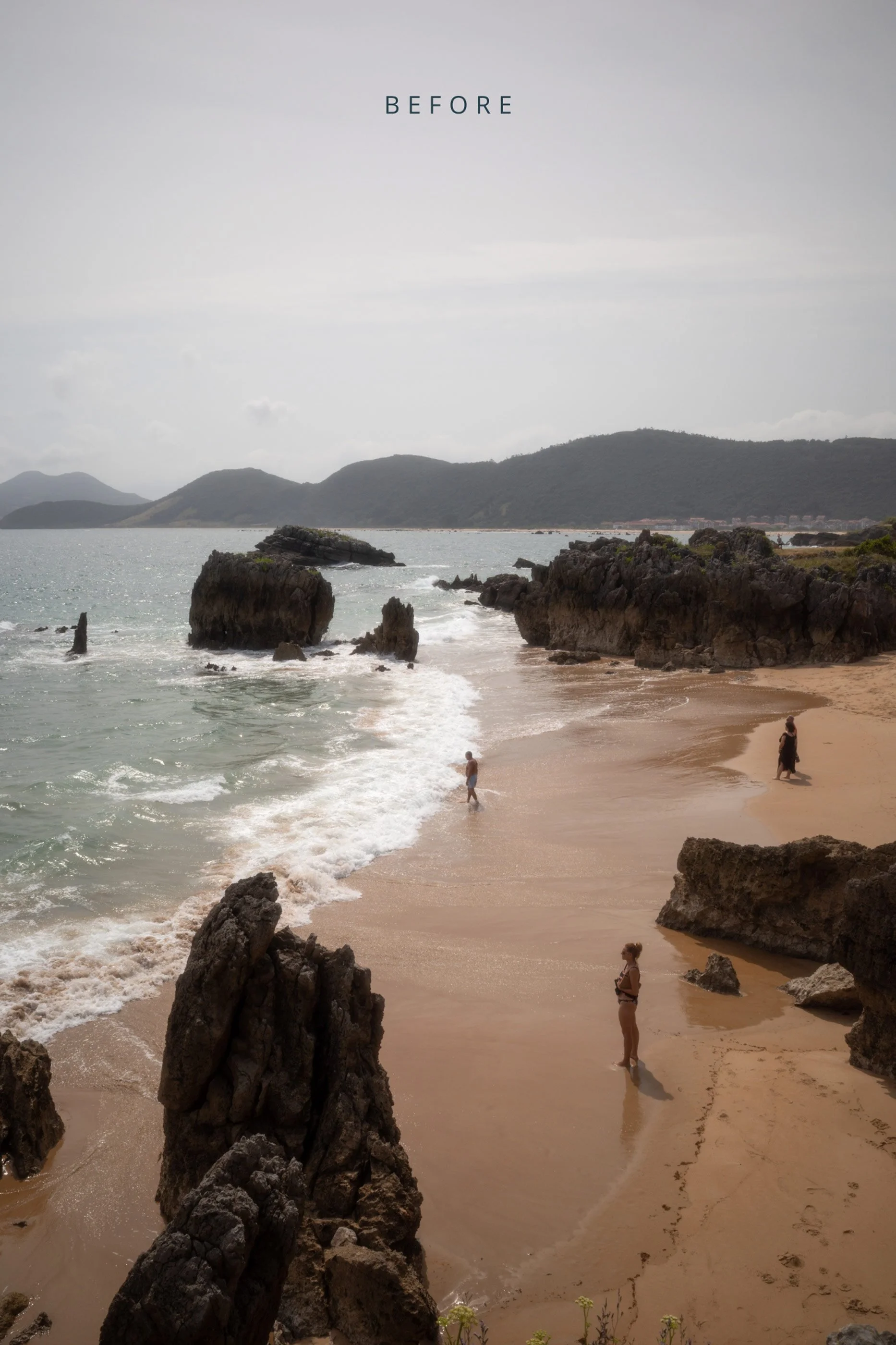
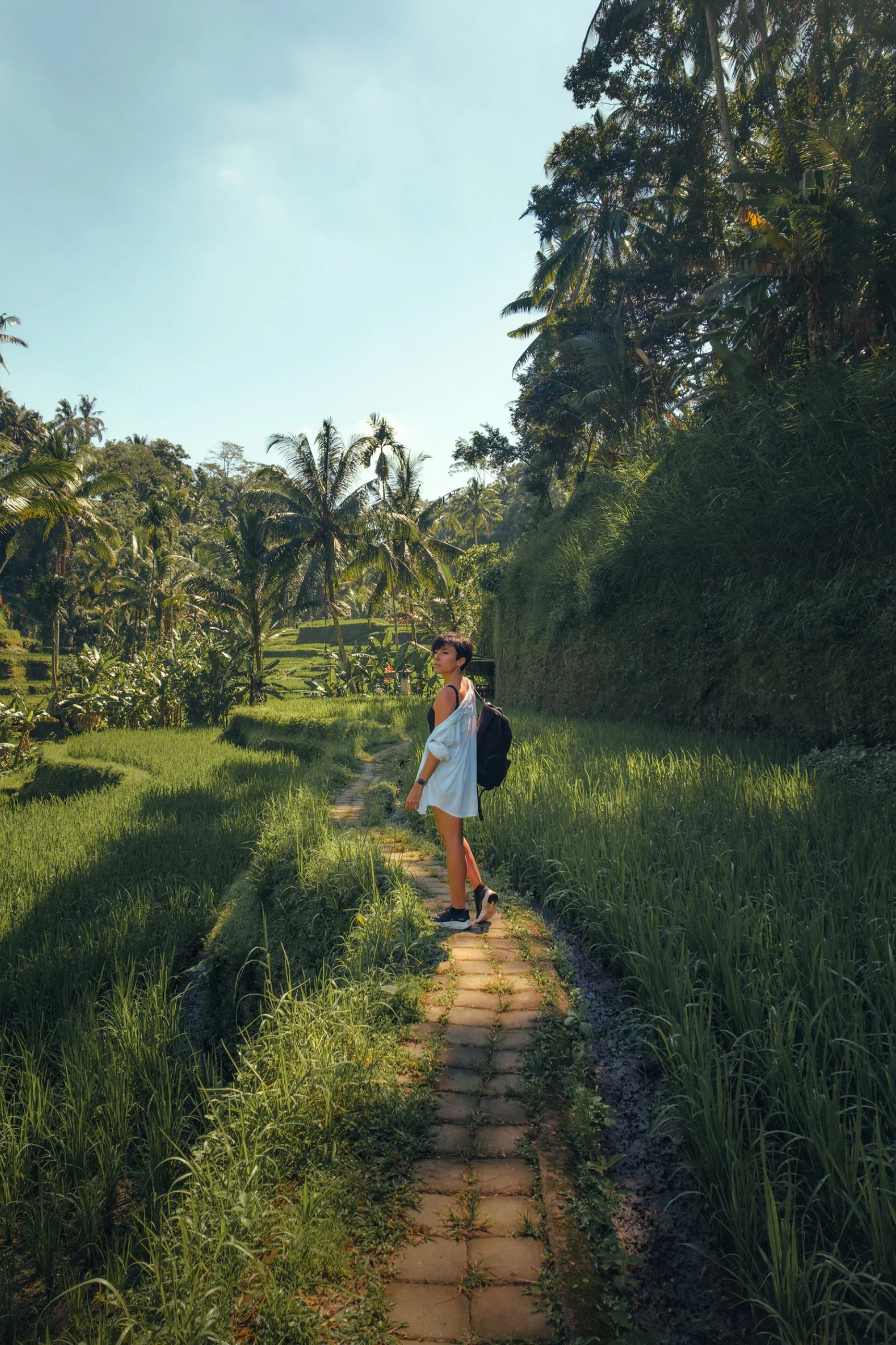 Image 3 of 3
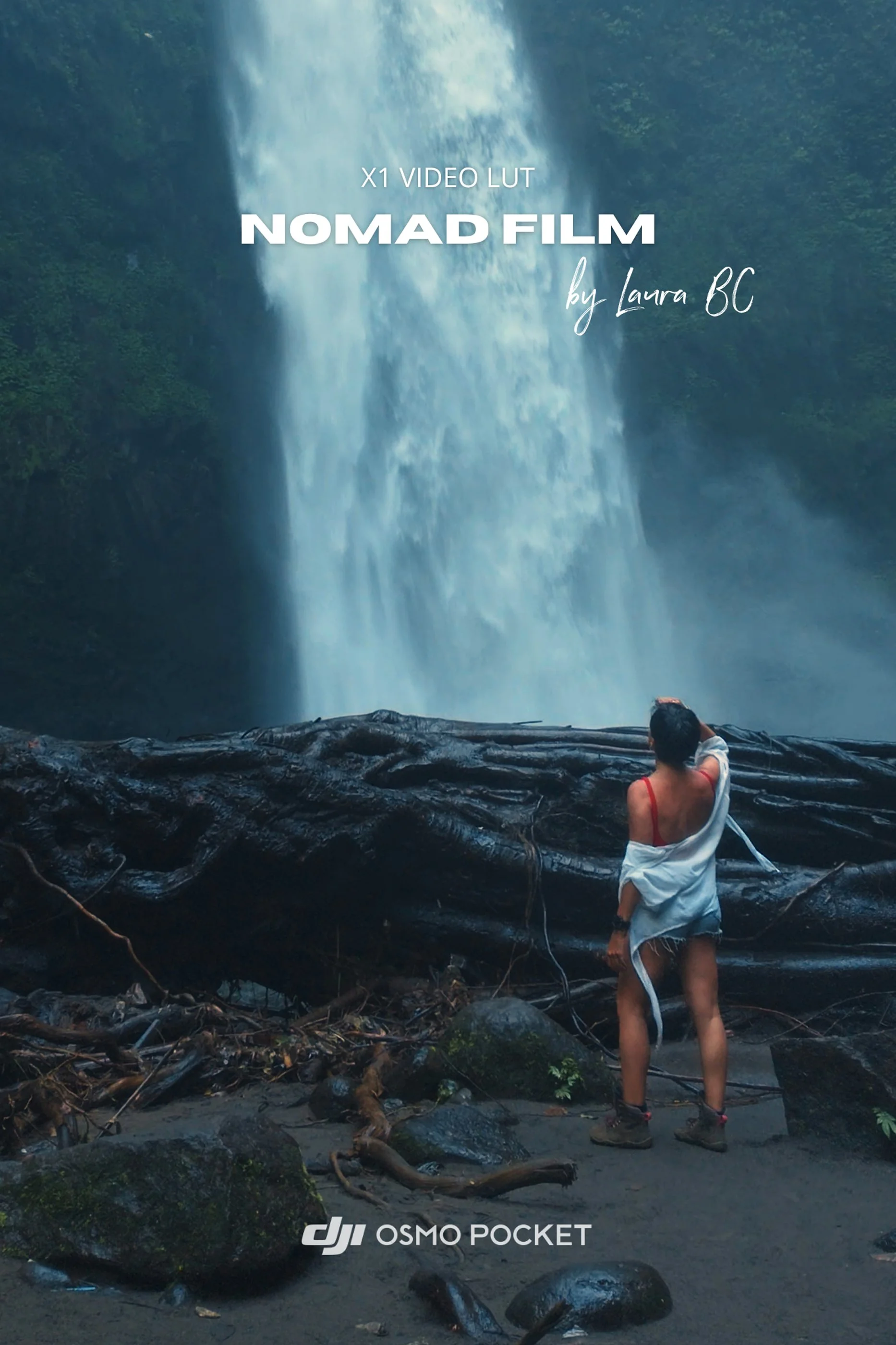
DJI Osmo Pocket 3 & 4 Cinematic Travel LUT


What's Included
✓ 1 Nomad Film LUT (.cube)
✓ 1 Installation Guide
Compatible With
DJI Osmo Pocket 3 (D-Log M)
DJI Osmo Pocket 4 (D-Log)
DaVinci Resolve
Adobe Premiere Pro
Final Cut Pro
CapCut
Any editing software that supports LUTs
Best For
Travel videos
Cinematic vlogs
Lifestyle content
Nature and landscape footage
Solo creators and filmmakers
Important
For best results, first apply DJI's official conversion LUT, then apply Nomad Film on top. Adjust the LUT intensity to match your footage and personal style.
Every scene is different. Think of Nomad Film as a creative starting point that helps you achieve a professional cinematic look faster.
NOTE: Digital Products are NON-REFUNDABLE.
F&Q
In which format is it?
.CUBE and it’ is compatible with most of the video editing programs out there, such as Final Cut Pro, Premiere Pro, DaVinci Resolve and many others.
How do I install it?
It’s different on each editing software but it’s very easy. You just need to import the LUT wherever your software manages other available LUTS.
How do I get it?
Purchase it through the button above, enter your email, and you will receive it right away after the payment! The download link expires 24 hours after the first download, so make sure you keep it safe! :)